Best ADHD Focus Apps for Mac 2026 (Actually Stay on Task)
The best ADHD focus apps for Mac in 2026—block distractions, structure work sessions, and reduce task-switching without another complex system.
If you have ADHD and use a Mac, staying focused can be challenging due to constant notifications and distractions. For cross-platform options that help you start work (not just block noise), see the best ADHD productivity apps for task paralysis. To help, here’s a list of apps designed specifically to improve focus and productivity. These tools are simple, distraction-free, and tailored to ADHD challenges like impulsivity, task-switching, and decision fatigue.
Top Apps for ADHD on Mac:
- Onsara Focus on Work: A minimalist timer app for distraction-free work sessions.
- Focus Bear: Helps build structured routines and blocks distractions during focus time.
- Freedom: Blocks websites and apps across all devices to reduce impulsive distractions.
- Structured: A visual daily planner that organizes tasks into a clear timeline.
- Ellie Planner: Combines task management with mood and energy tracking.
- Amazing Marvin: A customizable task manager for ADHD-specific workflows.
- Brain.fm: Uses music scientifically designed to improve focus.
Each app solves specific ADHD-related focus issues, from blocking distractions to creating manageable routines. Choose based on your needs - whether it’s simplicity, task management, or focus-enhancing tools like music.
Quick Comparison
| App | Main Feature | Best For | Pricing |
|---|---|---|---|
| Onsara Focus on Work | Timer for focus sessions | Simplicity | Check App Store |
| Focus Bear | Routine building | Structured routines | Varies |
| Freedom | Website/app blocking | Blocking distractions | $2.50/month |
| Structured | Visual time-blocking | Task organization | Free/Pro plan |
| Ellie Planner | Task & mood tracking | Energy-based task planning | Free/$8/month |
| Amazing Marvin | Customizable task manager | ADHD-specific workflows | $12/month |
| Brain.fm | Focus-enhancing music | Audio-based focus aid | Free trial/$ |
These apps can simplify your day, reduce distractions, and help you stay on track. Start with a free trial or test a few to see which works best for your needs.
5 Game-Changing Productivity Apps For ADHD
1. Onsara Focus on Work
Onsara Focus on Work is a simple, no-frills timer app designed specifically for Mac users. Its sole purpose? Helping you stay focused during work sessions without unnecessary distractions or extra features.
Key Features
The moment you open Onsara Focus on Work, it gets straight to the point. You’re prompted to set a timer for your work session right away. Its clean, straightforward design ensures you can jump into your tasks without any interruptions.
Why It Works for ADHD Users
For individuals with ADHD, simplicity can be a game-changer. By eliminating visual clutter, the app reduces mental distractions, making it easier to kickstart and maintain focus.
What to Keep in Mind
Onsara Focus on Work is intentionally minimal. It doesn’t include extras like task management, project tracking, or website blocking. If you need those additional features, you’ll want to pair it with other tools.
Pricing (USD)
You can find the latest pricing details on the Mac App Store.
Mac Compatibility
Designed exclusively for macOS, Onsara Focus on Work integrates seamlessly with the Mac ecosystem. Its tailored design ensures smooth performance, making it a reliable choice for focused work sessions.
2. Focus Bear
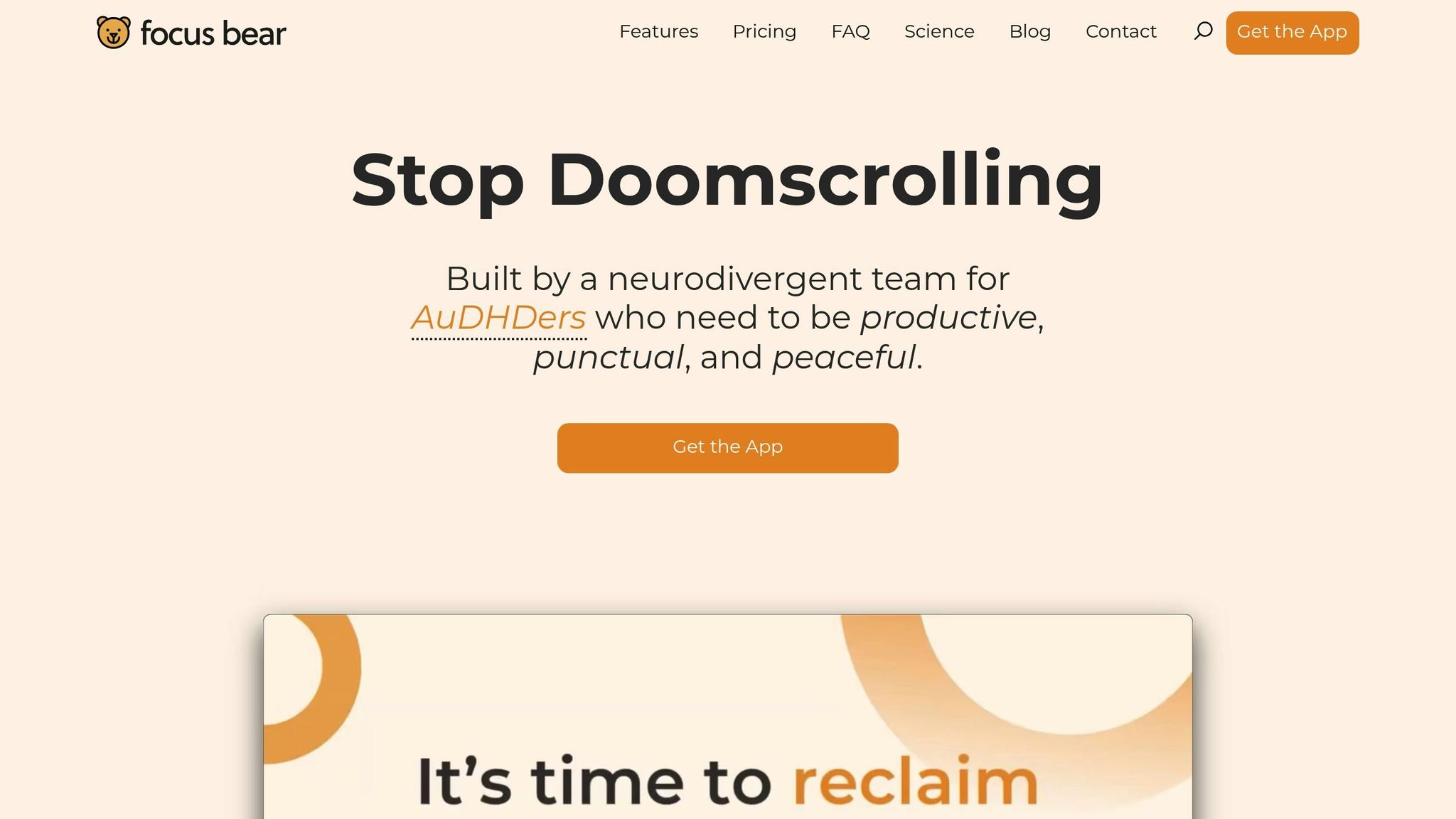
Focus Bear offers a fresh take on boosting productivity and establishing routines, following in the footsteps of Onsara Focus on Work. While information about its specific features and ADHD support on macOS is scarce, the app is designed to help users create structured routines aimed at reducing decision fatigue - a common challenge for individuals with ADHD.
Details about how the app functions, its pricing, and compatibility are still unclear. For the most accurate and up-to-date information, check out the Mac App Store or the developer's official website.
3. Freedom
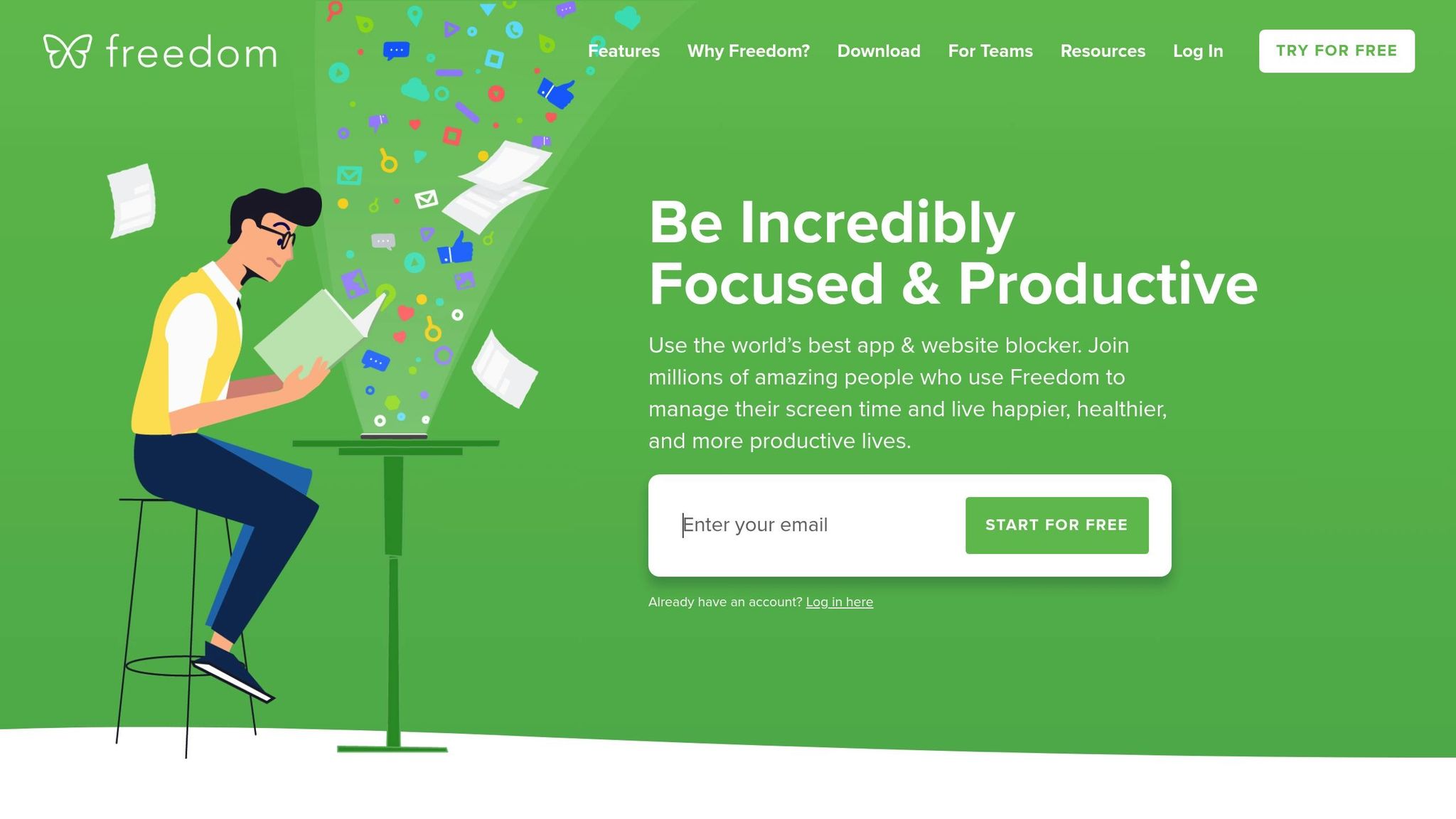
Freedom is a productivity tool designed to block distracting websites and apps across all your devices, making it a helpful resource for people with ADHD who struggle with impulsivity and frequent task-switching.
How It Helps You Stay Focused
Freedom creates a digital wall between you and distractions. You can set up recurring focus sessions that automatically block specific websites and apps during your work or study hours. The best part? It syncs these blocks across Mac, Windows, iOS, and Android devices, so you can’t simply switch devices to sidestep the restrictions. By scheduling these sessions ahead of time, you reduce the need to rely solely on willpower - helpful for avoiding decision fatigue.
Why It Works for ADHD
One standout feature is Freedom's Locked Mode, which prevents you from ending a block session early. If you want to bypass it, you’d have to go as far as restarting your computer - a hassle that makes sticking to the schedule much easier.
"The only way to sidestep Freedom is by resetting my computer. I have done it, but the task is enough of a chore that I usually stick to the schedule." - Eric Tivers, ADDitude Magazine [1]
An article in ADDitude Magazine (May 2025) shared the story of an ADHD user who used Freedom to break the habit of working late into the night. By setting up a weekly schedule to block internet access, they were able to finish work by 7:00 PM and spend their evenings with family.
What It Doesn’t Do
Freedom requires you to manually identify and block your biggest distractions, so you’ll need to configure your block lists yourself. Also, while it’s great for eliminating distractions, it doesn’t include features for task management or routine building. If you’re looking for a more well-rounded ADHD productivity system, you might want to pair it with other tools that handle those areas.
Cost (USD)
Freedom offers a free trial, and after that, it’s priced at $2.50 per month [1].
Works on Mac and More
The app integrates smoothly with Mac devices and syncs your block sessions across Windows, PC, iOS, and Android platforms [1][2].
4. Structured

Visual planners are another great tool for improving focus, especially for those who struggle with attention issues. Structured is a time-blocking app that turns your tasks into a straightforward, linear timeline. This approach helps ADHD users simplify task management by breaking down the day into clear, visual segments [3]. By reducing mental clutter and presenting tasks in an easy-to-follow format, it becomes much easier to manage time and tackle priorities without the stress of decision fatigue.
5. Ellie Planner
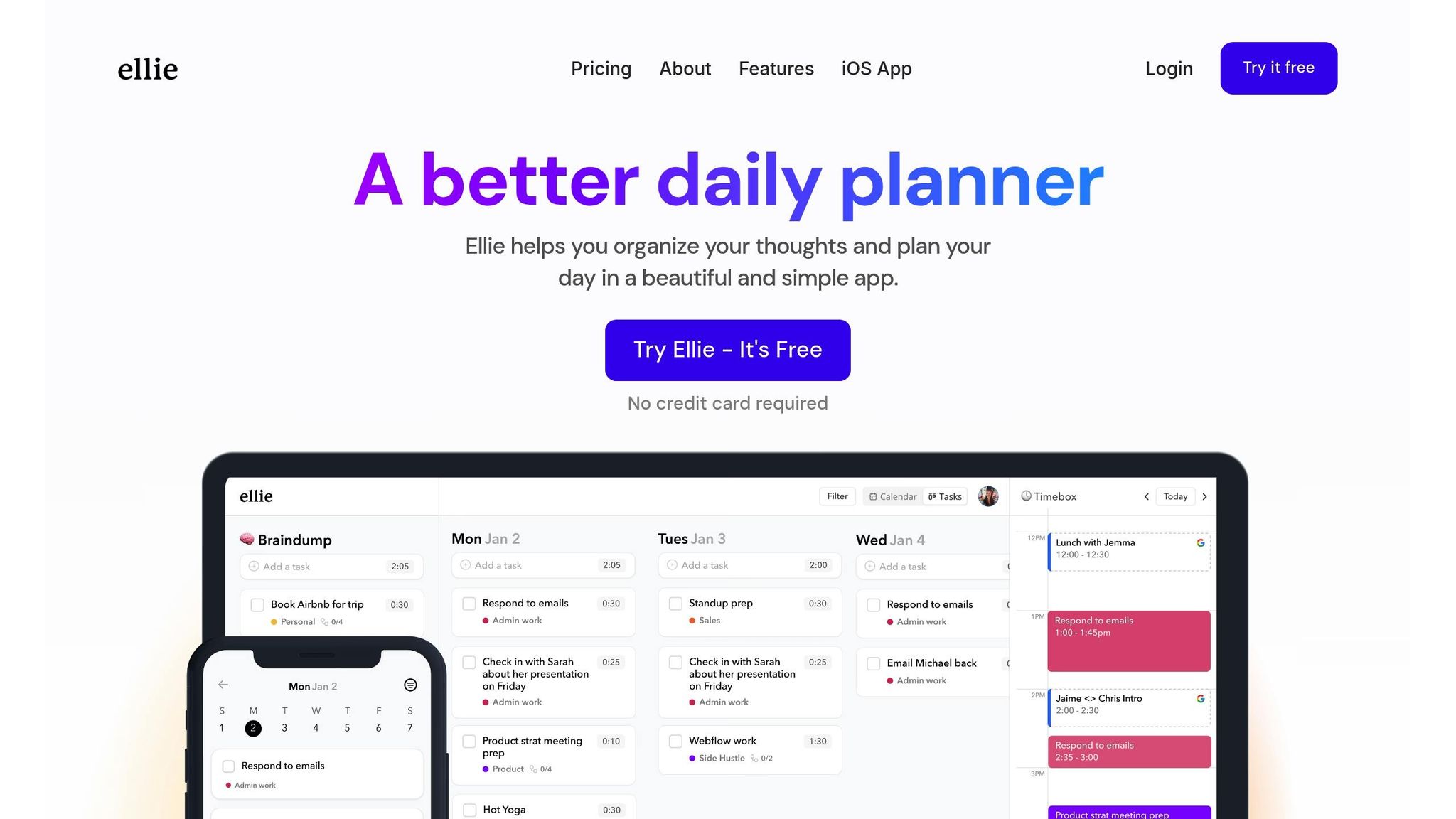
Ellie Planner steps into the realm of productivity tools with a focus on daily task planning. Designed with ADHD management in mind, it helps users structure their day through scheduling and task organization. That said, specific ADHD-focused features aren't fully detailed, so it’s worth exploring the app firsthand to see if its approach aligns with your needs.
Mac Compatibility
Information about how Ellie Planner performs on Mac devices is scarce. If you're a Mac user, consider testing the app to ensure it works smoothly on your system.
Pricing (USD)
Pricing details for Ellie Planner aren’t readily available. To find out about subscription fees or purchase options, check directly within the app.
6. Amazing Marvin
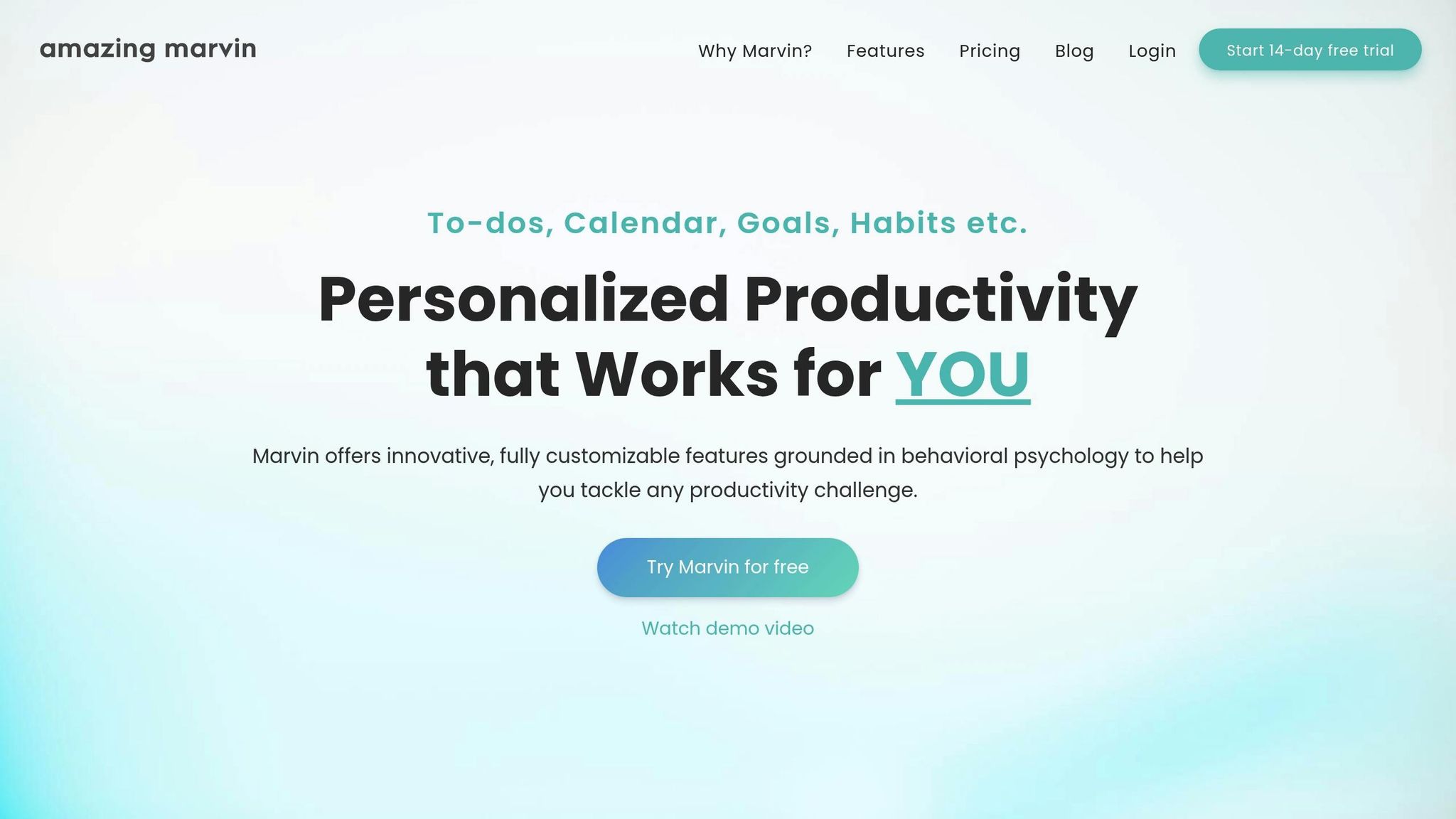
Specific details about Amazing Marvin's features, its approach to ADHD, and pricing for Mac in 2025 aren't available at the moment. To get the most up-to-date information, it's best to check out the official Amazing Marvin website. This highlights the importance of exploring various tools to discover the ADHD focus solution that works best for your unique needs and workflow.
7. Brain.fm
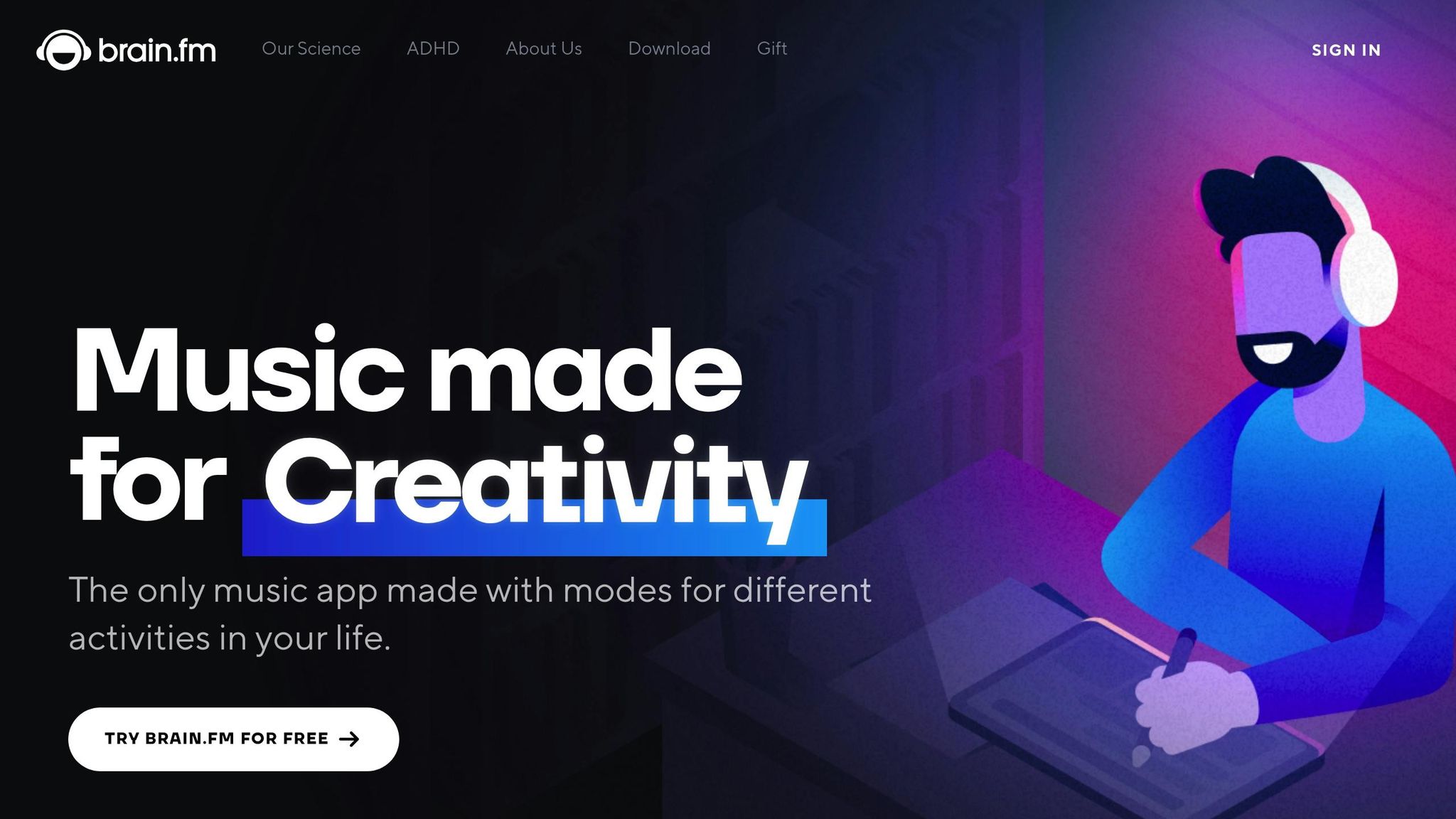
Brain.fm adds a unique auditory tool to the mix, designed specifically to address focus challenges often associated with ADHD.
This app uses specially engineered music to help users slip into a focused state. It’s touted as the first music platform tailored for ADHD, backed by neuroscience research and even supported by a grant from the National Science Foundation.
Core Focus Role
Brain.fm offers what it calls "High Neural Effect music", crafted to enhance focus for ADHD users. Unlike typical background music, this platform employs patented audio technology to create seamless, distraction-free tracks. You won’t encounter lyrics or jarring sounds - just continuous music designed to keep your mind on task.
The app’s user-friendly interface lets you dive in quickly with a single click. It also provides three timer options - Infinite, Timer, and Interval - so you can sync the music to your work pace, whether that’s a quick 25-minute session or a longer stretch of productivity.
ADHD Strengths
Research supports the app’s effectiveness, showing a 119% boost in focus-related beta brainwaves, as documented in peer-reviewed studies published in Nature Communications [4]. Brain.fm also personalizes the experience by asking new users to complete a short quiz, tailoring the music to their specific neurotype. This customization helps combat feelings of boredom or overwhelm. Plus, you can adjust the intensity of the music to match your focus needs - whether you’re tackling deep work or lighter tasks.
The app addresses several common ADHD challenges. Its long, uninterrupted tracks eliminate the need for frequent song changes, and the absence of lyrics ensures your brain’s language centers stay free for other tasks. The seamless streaming feature means you won’t lose focus hunting for the next track.
Limitations
While Brain.fm excels as an auditory focus tool, it doesn’t cover task management, time tracking, or website blocking. If you need more structure beyond music, you might want to pair it with other productivity apps. Additionally, if you’re someone who prefers working in complete silence, this app might not be the right fit.
Pricing (USD)
Brain.fm offers a free trial to get you started. For organizations, team pricing is available, and students can enjoy a 20% discount by verifying their status with a .edu email address or student ID.
Mac Compatibility
The app is available as a desktop version for Mac, as well as on web, iOS, and Android platforms. No specific system requirements are listed, making it accessible across various macOS versions.
Advantages and Disadvantages
Here’s a quick look at how each app stacks up for ADHD users on Mac, highlighting their strengths and limitations.
| App | Primary Function | ADHD-Specific Strengths | Key Limitations | Pricing (USD) | Mac Requirements |
|---|---|---|---|---|---|
| Onsara Focus on Work | Distraction-free work environment | Simple design eliminates unnecessary features; no notifications or interruptions; clear task completion | Focused solely on sessions - no task management or calendar features | Available on Mac App Store | macOS compatible |
| Focus Bear | Habit-building and routine management | Guided routines for mornings and evenings; habit tracking with progress visuals; blocks apps and websites during focus time | May feel restrictive for users who prefer flexibility; setting up routines takes time | Varies by plan | macOS 10.15 or later |
| Freedom | Website and app blocking | Blocks distractions across devices; allows scheduled focus sessions; locked mode prevents disabling blocks | No task or time management features; subscription required for full access | Starts at $3.33/month (annual plan) | macOS 10.13 or later |
| Structured | Daily planning and time-blocking | Visual timeline for scheduling; drag-and-drop task organization; reminders for due tasks | Best for rigid schedules; lacks focus tools beyond planning | Free version; Pro features via subscription | macOS compatible |
| Ellie Planner | Task and project management | Rewards task completion with gamification; flexible project views; tracks energy levels to match tasks with mood | Some features are harder to learn; gamification may not appeal to all users | Free tier; Premium starts at $8/month | macOS compatible |
| Amazing Marvin | Comprehensive productivity system | Highly customizable for individual ADHD needs; includes strategies for procrastination and overwhelm; built-in time tracking and focus timer | Extensive features can overwhelm new users | Starts at $12/month or $120/year | macOS compatible via web app |
| Brain.fm | Focus-enhancing audio | Audio tracks designed to improve focus; personalized options; timers for different work styles | Lacks task management, time tracking, and blocking features; not ideal for those who prefer silence | Free trial available; team pricing and student discounts offered | macOS compatible (desktop and web) |
Each app caters to different ADHD-related challenges, so your choice will depend on what you need most. For example, Onsara’s minimalist approach is great for users who feel overwhelmed by feature-packed apps, while Focus Bear and Amazing Marvin provide more comprehensive tools for routine building and task management. Freedom is ideal for blocking distractions across devices, whereas Structured appeals to those who prefer visual planning. Ellie Planner adds a fun twist with gamified task management, and Brain.fm focuses solely on enhancing concentration through audio.
Pricing is another factor to consider. Many apps, like Brain.fm, offer free trials so you can test them out before committing. Freedom’s annual plan lowers the monthly cost significantly, making it a good option for long-term use. Most of these apps are compatible with recent macOS versions, but double-check requirements - Freedom works with macOS 10.13 or later, while Focus Bear requires macOS 10.15 or newer.
Ultimately, the trade-off comes down to simplicity versus functionality. Apps like Onsara and Brain.fm focus on doing one thing exceptionally well, which can help reduce decision fatigue. On the other hand, more robust tools like Amazing Marvin and Focus Bear bundle multiple features into one platform, though they may take more effort to set up.
It’s also important to remember that no app can solve every ADHD-related challenge. These tools work best when paired with healthy habits like regular sleep, exercise, and personalized strategies. Use this guide to find the app that fits your workflow and helps you stay on track.
Conclusion
To find the best ADHD management tools for your Mac, start by identifying the specific challenges you face. Whether it’s blocking distractions with apps like Freedom, creating a clutter-free workspace with Onsara, or enhancing focus through auditory aids like Brain.fm, each tool offers unique benefits tailored to different needs.
By combining apps strategically, you can address multiple executive function challenges at once. For example, pairing Onsara’s minimalist design with Brain.fm’s focus-enhancing audio can create a powerful environment for concentration. Alternatively, Freedom’s distraction-blocking features can complement Structured for a more organized workflow. The key is to simplify your routine, not complicate it further. A thoughtful combination of two or three core tools can help streamline your day and reduce unnecessary friction.
As highlighted earlier, simplicity and personalization are crucial. Pinpoint your biggest hurdles - whether it’s time management, starting tasks, or staying focused - and experiment with apps that directly address those areas. Take advantage of free trials to ensure the tools genuinely help rather than overwhelm. Stick to a small selection of reliable apps, and remember that no single tool can solve every challenge. These apps work best when paired with good habits like consistent sleep, regular exercise, and personalized focus strategies.
Ultimately, choose the tools that make your life easier and let go of anything that adds complexity. Focus on creating a setup that supports your goals and helps you navigate your day with greater ease.
FAQs
How can I choose the best ADHD focus app for my Mac?
When searching for the ideal ADHD focus app for your Mac, start by pinpointing what you need help with the most. Are you trying to cut down on distractions, manage your time better, or stay focused on tasks? Features like focus timers, website blockers, or visual task planners can make a big difference.
Look for apps that fit seamlessly into your daily routine. Some tools provide customizable focus modes or even AI-driven planning to keep you organized and on track. Choose an app that feels easy to use and supports your specific challenges, helping you build a system that truly works for you.
Are there any free ADHD focus apps for Mac, and how do they compare to the paid versions?
Yes, there are ADHD focus apps for Mac that come with free versions, but these often include only the most basic features. Free options might offer simple timers or basic focus modes, but you’ll likely miss out on extras like detailed performance insights, customization settings, or integrations with other productivity tools - features typically reserved for paid plans.
Starting with a free version can be a helpful way to try out an app and see if it meets your needs. However, if you’re looking for more advanced tools to boost your focus and productivity, upgrading to a paid plan could be a smart choice.
Can I use multiple ADHD focus apps on my Mac to boost productivity, and which ones work well together?
Yes, you can absolutely use multiple ADHD focus apps on your Mac to boost your productivity. Combining different apps allows you to create a customized workflow that suits your unique needs. For instance, you could use Onsara to block distractions while pairing it with a task management app to plan and organize your day effectively. Just make sure the apps work well together and support your overall goals.
Try out various combinations to see what fits your style, but keep things straightforward. Overloading yourself with too many tools can be counterproductive. A simple, well-organized setup often delivers the best results.
Related reading
- Time Blocking for Deep Work
- Rituals vs. Processes in SaaS Growth
- Why We Avoid Feature Bloat
- Best Apps for ADHD Task Paralysis (Tested 2026)
- "I Know What I Need to Do But I Can't Start" - The ADHD Freeze Explained
Useful tools & services
Explore our tools for everyday work
Browse our focus app, PDF reader, and other products to find an option that fits your task.
Browse our productsThese are products built by AGS Advising.